
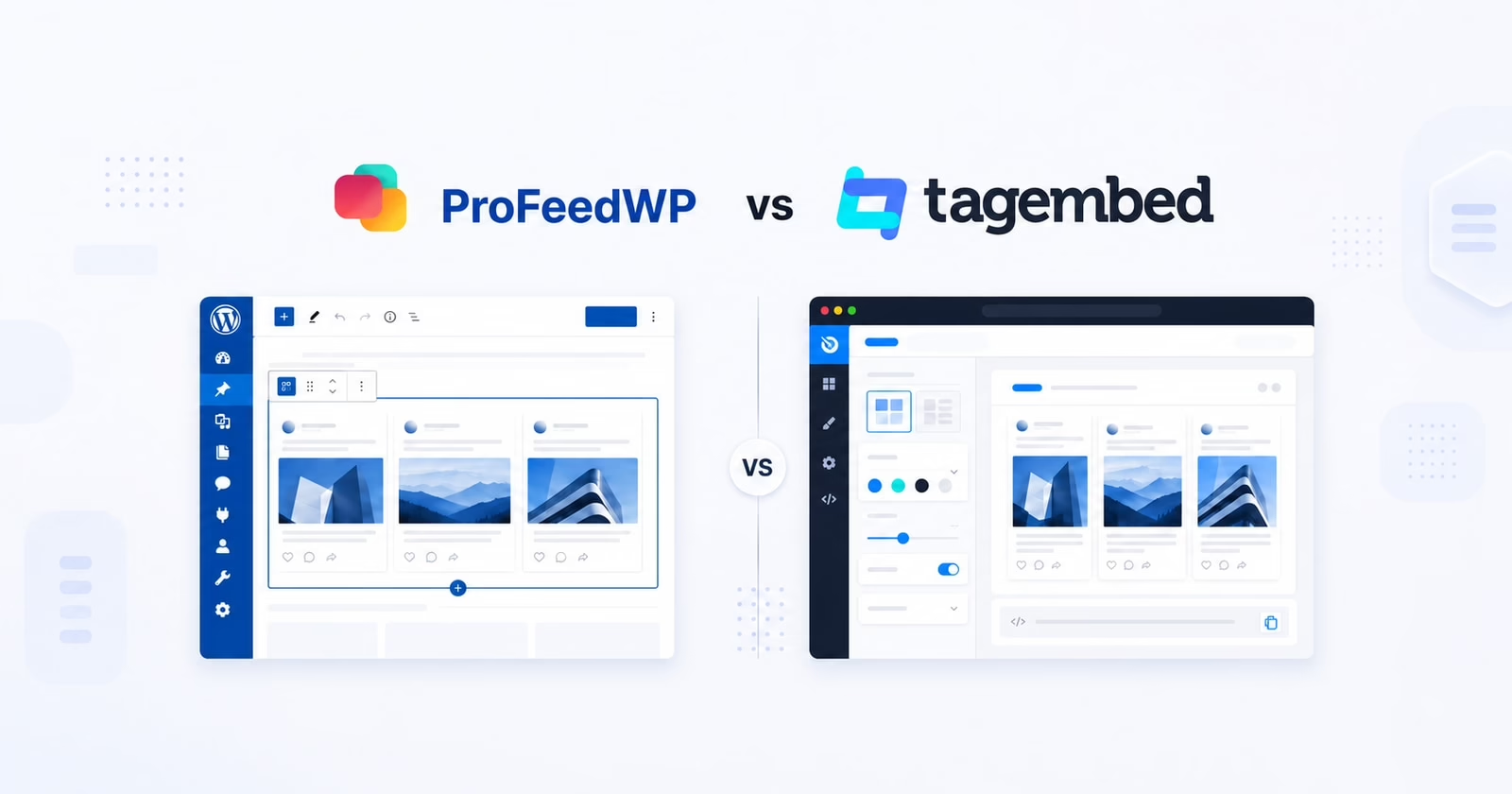
Choosing a LinkedIn feed for WordPress is also choosing where your team will manage it. ProFeedWP puts feed controls inside the page editor. Tagembed provides a wider social-content platform, with hosted management, moderation and WordPress integration.
ProFeedWP is the better choice for businesses that want an SEO-friendly LinkedIn section built into WordPress. Tagembed suits teams that need a separate content gallery, moderation workflow and several social or review channels.
Published by ProFeedWP. We compare the products for WordPress businesses and identify where each is the better fit. Prices checked 16 October 2026.
ProFeedWP vs Tagembed: Quick comparison
| Feature | ProFeedWP | Tagembed |
|---|---|---|
| Best fit | Company LinkedIn feeds on WordPress | Social feeds, reviews and content curation |
| Editing | Native Gutenberg block; shortcodes | Hosted dashboard; embed or WordPress plugin |
| Feed delivery | Cached cards in the initial WordPress HTML | Hosted widget embed loaded with JavaScript |
| Entry paid LinkedIn option | Single Site: $49.99/year | Starter: $19/month |
| One-year cost | Annual license: $49.99 | 12 monthly payments: $228 |
| Feed allowance | Unlimited Pro feeds on the licensed site | 2 feeds total; 1 LinkedIn feed on Starter |
| Monthly views | Unlimited | 10,000 on Starter |
| Websites | 1 on Single Site | Unlimited website embeds |
| Updates / checks | Free checks: 12 hours; Pro: hourly by default, configurable | Starter: every 2 hours |
| Branding | Unbranded feed on Pro | No Tagembed branding on Starter |
| Lifetime option | Single Site: $199.99 | Recurring subscription |
The editing difference shows up after launch
ProFeedWP lets a WordPress editor add a block, paste a public Company or Showcase Page URL, and adjust the feed in context. There is no LinkedIn developer key to obtain and no personal-account authorization step. Follow our LinkedIn feed setup guide to see how it fits into a normal page-editing session.
The feed settings stay in the WordPress sidebar. A marketer can judge columns, text and theme alongside the homepage’s headline and call to action, instead of designing a separate widget first.
Tagembed’s official setup guide starts in a Tagembed account: select LinkedIn, authenticate the account for its connected feed flow, collect content, moderate it, choose a theme and generate embed code. For WordPress, it documents both a Custom HTML route and a plugin with a widget block and shortcode.
Tagembed therefore does offer WordPress integration. The distinction is where the product’s work happens: its gallery and account manage the content and widget; WordPress provides a place to display it. ProFeedWP keeps the main page-level feed configuration in WordPress itself.

SEO-friendly content from the initial page load
With ProFeedWP’s enabled-by-default cached rendering, available LinkedIn post cards and text are included in WordPress’s initial HTML. Your company updates are part of the page response, ready to read as the page loads. Search engines do not first need to run a hosted widget script to obtain those cached cards.
A fresh local cache avoids the initial feed fetch. When cached data expires, visitors can still read the existing posts while refresh work happens in the background. JavaScript adds the interactive gallery or carousel behavior and performs freshness checks. If a feed has no usable cache yet, the normal AJAX loading fallback fills it.
Tagembed’s published integration flow generates an HTML/JavaScript widget embed. Its hosted delivery and CDN are designed to load the feed into the website after the widget runs. An embed container in a Custom HTML block is not the same as WordPress generating the post text in its initial response.
This is ProFeedWP’s clearest SEO advantage for a WordPress company website: readable cached LinkedIn content delivered with the page, plus background updates. You get a feed that participates in your website’s content delivery instead of adding another browser-side content assembly step.
Pricing: two feeds does not mean two LinkedIn feeds
The current Tagembed pricing page lists Starter at $19/month, billed monthly. Its allowance is two feeds, 10,000 views per month, 5,000 stored posts and updates every two hours. Crucially, it specifies one LinkedIn feed. The overall feed count and the LinkedIn allowance are separate limits.
For one company website with one LinkedIn feed, twelve Starter payments total $19 × 12 = $228. ProFeedWP Single Site costs $49.99/year, a difference of $178.01 over twelve months. Tagembed labels Starter as monthly billing even in its annual pricing view; $228 is an annualized monthly cost, not a claimed annual subscription offer.
Prices here are USD list prices checked on 16 October 2026, before taxes and optional promotions. ProFeedWP also offers a $199.99 single-site lifetime license. Tagembed’s higher tiers bundle more capacity and platform features, so compare the features you need rather than assuming the cheapest tier covers every LinkedIn use case.
Tagembed Free does not include LinkedIn in its listed social sources. Starter removes Tagembed branding and allows embeds on unlimited websites, but those embeds still draw on its feed and view allowances. ProFeedWP Pro includes unlimited feeds and views within the licensed WordPress installation.

Moderation is Tagembed’s strongest reason to consider it
Tagembed separates collecting content from deciding what to show. Its platform includes manual moderation, filtering and a content gallery. Starter lists Moderation & Auto Pilot; the Advanced tier explicitly lists AI-powered moderation and sentiment features. Do not assume every AI capability advertised on a product page belongs to the entry plan.
For a marketing team collecting content from several networks, that extra workspace can be valuable. Someone can review the gallery without editing the company homepage, while the website continues to display the approved collection. Review collection and broader social publishing features also give Tagembed a role beyond LinkedIn.
ProFeedWP takes a more focused route: display your company’s public LinkedIn updates in a section that fits the website. It is not a substitute for a cross-network editorial approval platform. If your own LinkedIn Page is already the approved company publishing channel, another moderation layer may add work without solving a problem you have.
A B2B company publishing approved news benefits from ProFeedWP’s direct workflow. A brand curating reviews, campaigns and several social channels has more reason to pay for Tagembed’s broader tools.
Design and LinkedIn content coverage
ProFeedWP Free includes a single feed with up to six posts, grid or list layouts and selected themes. Pro adds presentation flexibility including masonry and carousel layouts, along with more feed and styling options. Text, images, galleries and available video thumbnails can support a compact company-news section without a separate design dashboard.
Tagembed offers layouts such as Classic Card, gallery sliders and horizontal sliders, plus colors, fonts and card customization. Its public LinkedIn materials describe company feeds, profile content and individual post URLs. The documented connected flow requires account authentication; check the exact source option and permissions for the content you want to display.
ProFeedWP is specifically for Company and Showcase Pages, not personal-profile or School Page feeds. If a founder’s personal posts are essential to the project, treat that as a product requirement from the start. If the requirement is simply the company Page, choose on editing, delivery and cost rather than a long list of unrelated integrations.
Client sites: decide who owns the feed workflow
ProFeedWP’s Freelancer plan covers five WordPress sites for $119.88/year; agencies can also choose unlimited-site licensing. Each licensed site can have its own feeds, and normal WordPress editing determines who adjusts the page. This makes it easy to hand a client a familiar editing environment.
With Tagembed, an agency should count LinkedIn feeds and monthly views across the intended setup, then consider collaborator access. Starter lists one collaborator. Reusing the same widget across domains is different from providing independent feed collections to unrelated clients. Enterprise and agency plans exist for larger requirements.
Choose Tagembed for a centrally managed content operation spanning reviews, social channels and different website platforms. Choose ProFeedWP for client WordPress sites where LinkedIn is the brief and the team wants direct control inside the CMS.
Verdict: choose the workflow you actually need
ProFeedWP delivers the more focused WordPress solution: native editing, cached post text in the initial HTML, unlimited paid-plan views and lower entry cost for a company LinkedIn feed. Tagembed makes sense when moderation and multi-channel content management justify the additional account, allowances and subscription.
Explore the ProFeedWP demo or view pricing. For a broader shortlist, read our Elfsight comparison, price comparison and shortcode documentation.
Frequently asked questions
The current Free plan lists Instagram, Facebook and selected review sources, rather than LinkedIn. Starter is the lowest listed paid LinkedIn option at $19/month.
Starter includes two feeds overall but specifies one LinkedIn feed. The total feed allowance should not be read as two LinkedIn feeds.
Yes. Tagembed documents a WordPress plugin, widget block and shortcode, as well as a Custom HTML embed route. ProFeedWP provides a native Gutenberg editing workflow for its LinkedIn feeds.
ProFeedWP renders usable cached LinkedIn posts into the HTML generated by WordPress. The post text arrives with the page, while JavaScript enhances interactions and checks for updates in the background.
Choose Tagembed when a separate moderation and collection workflow, reviews or several social channels are core requirements. Choose ProFeedWP for a Company or Showcase Page feed managed directly in WordPress.