
A LinkedIn feed should make your WordPress website feel active without creating another content-management job. ProFeedWP and Juicer both bring company updates onto your site, but they are built around different priorities.
Choose ProFeedWP for a LinkedIn feed you edit inside WordPress, with cached posts delivered in the initial page HTML and straightforward annual or lifetime licensing. Choose Juicer when combining several social networks into one moderated wall is the main requirement.
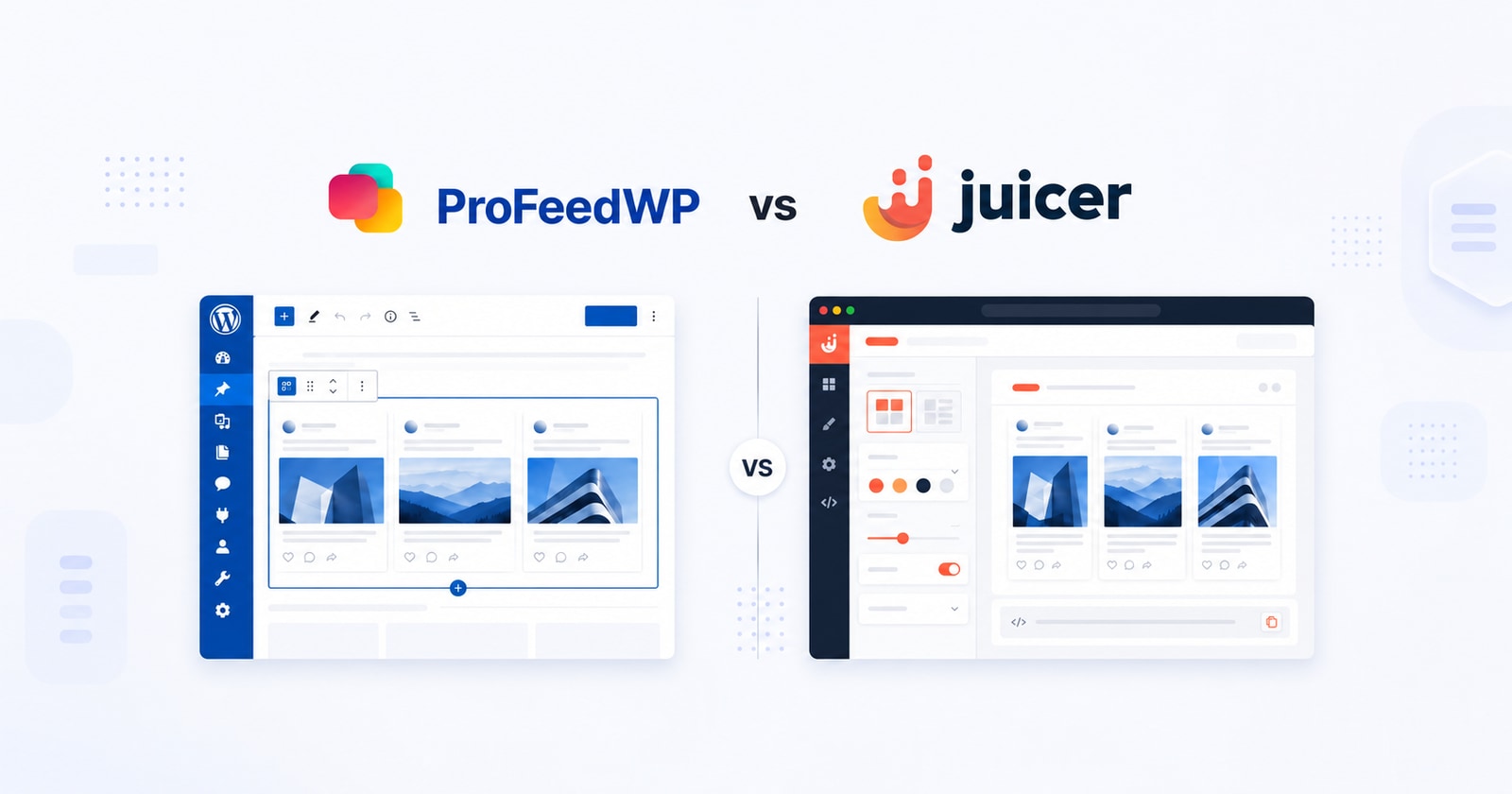
Published by ProFeedWP. We compare the products for WordPress businesses and identify where each is the better fit. Prices checked 16 October 2026.
ProFeedWP vs Juicer: Quick comparison
| Feature | ProFeedWP | Juicer |
|---|---|---|
| Best fit | LinkedIn company feeds on WordPress | Multi-network social walls |
| Editing | Native Gutenberg controls; shortcode support | Juicer dashboard; WordPress plugin or embed |
| HTML approach | Locally cached cards rendered by WordPress | Advertises native HTML; hosted feed delivery |
| Lowest ongoing paid LinkedIn plan | Single Site: $49.99/year | Lite: $15/month or $162/year |
| Sources and feeds | Unlimited Pro feeds on one licensed site | 3 sources; 1 feed on Lite |
| Website allowance | 1 site on Single Site | Unlimited embeds of the included feed |
| Monthly feed views | Unlimited | 5,000 on Lite |
| Refresh / checks | Free checks: 12 hours; Pro: hourly by default, configurable | Lite: every 60 minutes |
| Provider branding | Unbranded feed on Pro | Removed on Lite |
| Lifetime option | Single Site: $199.99 | Subscription plans |
Setup: a page component or a hosted social wall?
With ProFeedWP, install the plugin, add its Gutenberg block and paste the public LinkedIn Company or Showcase Page URL. Choose the presentation alongside the rest of your page. You do not need a LinkedIn developer application or to authorize a personal LinkedIn account. Our step-by-step setup guide shows the complete process.
For Elementor, Divi and other builders, use the ProFeedWP shortcode. The feed stays part of your WordPress workflow: an editor can change its layout while arranging the page around it. That is particularly useful when the homepage needs a compact grid and a company-news page needs a longer list.
Juicer starts with a Juicer account and a feed in its dashboard. Its LinkedIn source instructions describe adding a Page URL. You then install its WordPress plugin and insert a feed shortcode, or use its embed code. Juicer also offers an Elementor widget. Most feed styling and moderation remain in the Juicer dashboard.

SEO and loading: native HTML needs a closer look
ProFeedWP makes your LinkedIn updates part of the HTML WordPress sends with the page. Once a usable local cache exists, the post cards and text are already there when the page loads. Search engines can read that content without first running a widget script, and visitors do not have to wait for JavaScript to build the cached cards.
Fresh cached content can skip the initial feed request. Expired cached posts remain visible while a background refresh is scheduled. JavaScript enhances galleries and carousels and checks for updates; it is not responsible for creating cards that WordPress has already rendered. A first-time feed without usable cached posts still uses the loading fallback.
Juicer explicitly advertises native HTML rather than an off-domain iframe. It deserves credit for that. Native HTML in a rendered page and cached cards included in WordPress’s initial response describe different things, however. Juicer’s standard workflow uses its hosted feed and embed system; ProFeedWP’s advantage is the explicit server-rendered WordPress cache, controlled alongside your site.
For a business choosing an SEO-friendly WordPress feed, that is a concrete reason to prefer ProFeedWP: your company updates arrive with your own page content. Your project news, expertise and culture posts become a readable part of the website you own.
Pricing: what one company website actually costs
Juicer’s Lite plan is the lowest ongoing paid plan that includes LinkedIn. It costs $15 billed monthly, or $13.50 per month paid yearly: $162 for a year. It includes three sources, one feed, 5,000 monthly feed views and a 60-minute refresh schedule. The Free plan’s LinkedIn source is a one-week trial.
For one company website displaying one LinkedIn Page, compare that with ProFeedWP Single Site at $49.99/year. The annual difference is $162 − $49.99 = $112.01. Twelve monthly Juicer payments instead total $180. These are USD list-price comparisons before tax, without optional add-ons or temporary offers.
The bigger distinction appears as the site grows. ProFeedWP Pro includes unlimited feeds and views on the licensed installation. Juicer’s unlimited website embeds let you reuse the included feed in many places; they do not remove its source, independent-feed or monthly-view limits. Separate feeds for different brands need their own capacity.
Juicer also sells capacity add-ons. Budget for the actual combination of sources, feeds and views rather than treating the entry price as an unlimited agency account. ProFeedWP offers a $199.99 single-site lifetime license for businesses that prefer one payment over an ongoing annual subscription.

Design and content: focused feeds versus aggregation
ProFeedWP is designed for public Company and Showcase Page posts. Text, images, multiple-image galleries and available video thumbnails can sit within the same WordPress section. Pro adds masonry and carousel presentations alongside grid and list layouts, with theme and styling choices to match the surrounding website.
The free version is a practical starting point: one feed, up to six posts, grid or list layouts and a selection of themes. Its refresh cycle is slower than Pro. Server rendering of available cached posts is not reserved for the paid version, so an upgrade buys presentation and feed flexibility rather than basic SEO-friendly HTML.
Juicer earns its place when a LinkedIn-only section is too narrow. It can combine LinkedIn with networks such as Instagram and YouTube, provide a social wall, and support a separate curation workflow. Lite includes manual moderation; automatic moderation starts higher in the range. Its templates include grids, masonry, sliders and lists.
There is also a meaningful Page-type difference. Juicer’s LinkedIn help documentation lists company, school and Showcase Pages. ProFeedWP supports Company and Showcase Pages, rather than School Pages or personal-profile feeds. A university requiring a School Page should check that requirement before choosing either tool.
Agencies: count independent client feeds, not just embeds
Imagine an agency managing five unrelated WordPress businesses. Each needs its own LinkedIn Page, branding and placement. ProFeedWP’s five-site Freelancer license costs $119.88/year and lets each licensed site have its own Pro feeds without a monthly audience allowance.
Juicer Lite’s three sources and one feed are a different proposition. Reusing one corporate wall across several domains is efficient, but five independent client walls need a larger configuration or add-ons. Its entry plans also do not include additional dashboard collaborators. Work out who will own the account and moderate posts before handover.
Choose Juicer when the agency sells centrally curated, cross-network social walls or needs the same hosted feed across WordPress and other platforms. Choose ProFeedWP when clients expect their WordPress editor to contain the feed settings and the site budget to remain predictable as traffic increases.
Verdict: ProFeedWP fits the WordPress brief
For a company LinkedIn feed on WordPress, ProFeedWP is the stronger fit. Native editing, cached posts in the initial HTML, unlimited paid-plan views and annual or lifetime licensing address the needs of a typical business website directly. Juicer is worth the larger budget when multi-network aggregation and dedicated moderation are requirements.
See the ProFeedWP demo and current plans to choose your layout. If you are still comparing platforms, our Elfsight comparison and LinkedIn feed price comparison cover other common options.
Frequently asked questions
Juicer’s Free plan includes a one-week LinkedIn source trial. Lite is the lowest ongoing paid LinkedIn plan: $15/month or $162/year. ProFeedWP Free supports one Company or Showcase Page feed with up to six posts.
Juicer advertises native HTML rather than an off-domain iframe. ProFeedWP’s specific advantage is rendering locally cached post cards into the initial HTML generated by WordPress.
ProFeedWP focuses on LinkedIn Company and Showcase Page feeds. Choose Juicer if your requirement is a single wall combining LinkedIn with Instagram and other networks.
Yes. Use the ProFeedWP shortcode in your builder’s shortcode-capable element. Cached server rendering applies to supported shortcodes as well as the Gutenberg block.
ProFeedWP offers five-site and unlimited-site licenses, with unlimited Pro feeds and views on licensed installations. Juicer can suit centrally managed social walls, but budget separately for the sources, independent feeds, views and team access you need.